Getting started
Getting started with Zyrft
Set up your workspace, bring in your data, invite your team and start working the pipeline in about 30 minutes.
Download as PDFAll help articles
1. Create your workspace
- Click Start free and sign up with your work email and a password.
- Open the confirmation email and click the link. Zyrft only lets confirmed email addresses sign in.
- Name your company workspace and choose its currency and time zone. Forecast windows and reminders use this time zone.
- Every new workspace starts on the Free Forever plan (1 user), no card needed.
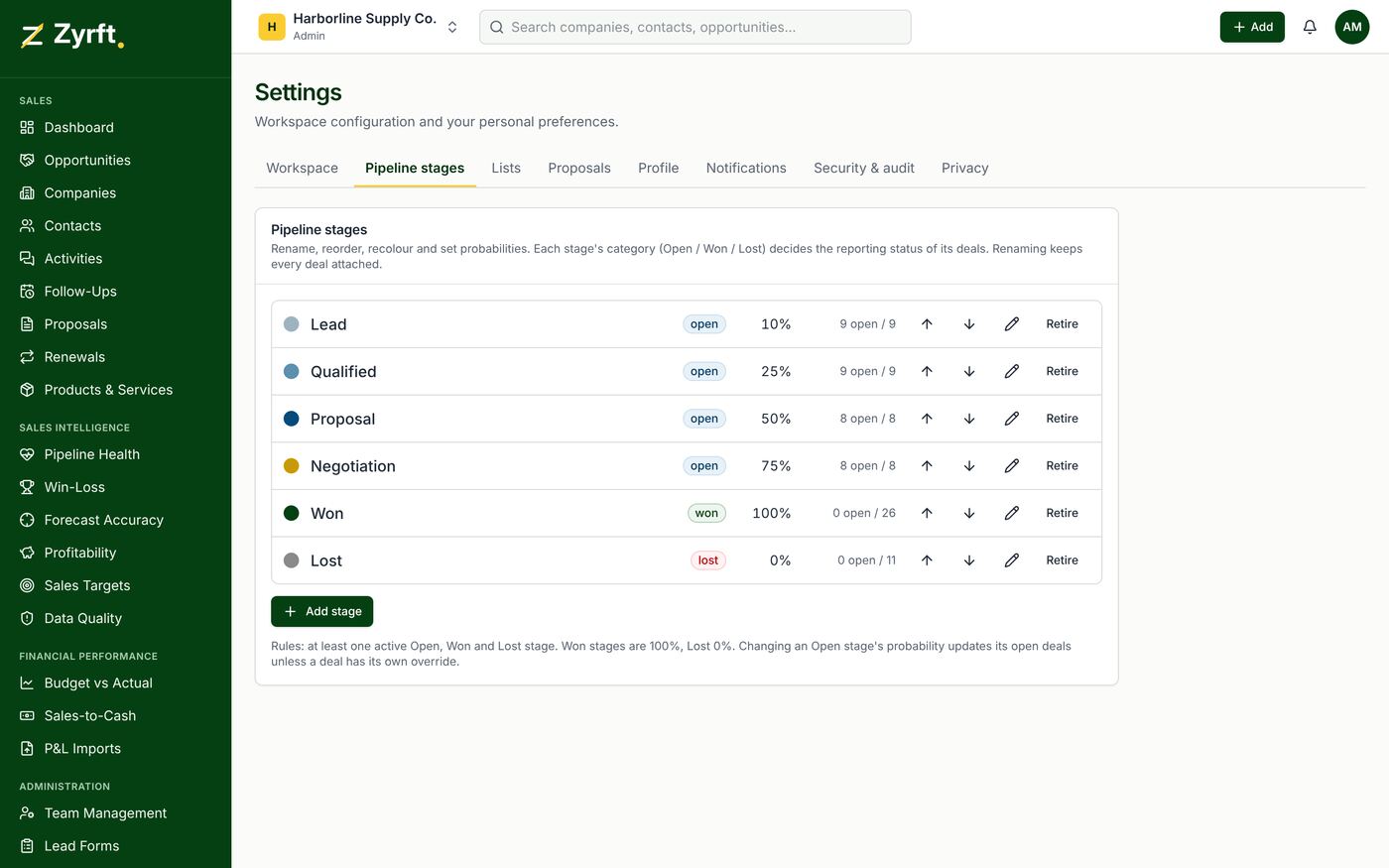
2. Check your pipeline stages
Settings → Pipeline stages lists your stages. Each stage belongs to Open, Won or Lost and has a default win probability that drives the weighted forecast. Rename, reorder or retire stages to match how you sell. Retiring a stage never deletes deals.
3. Bring in your data
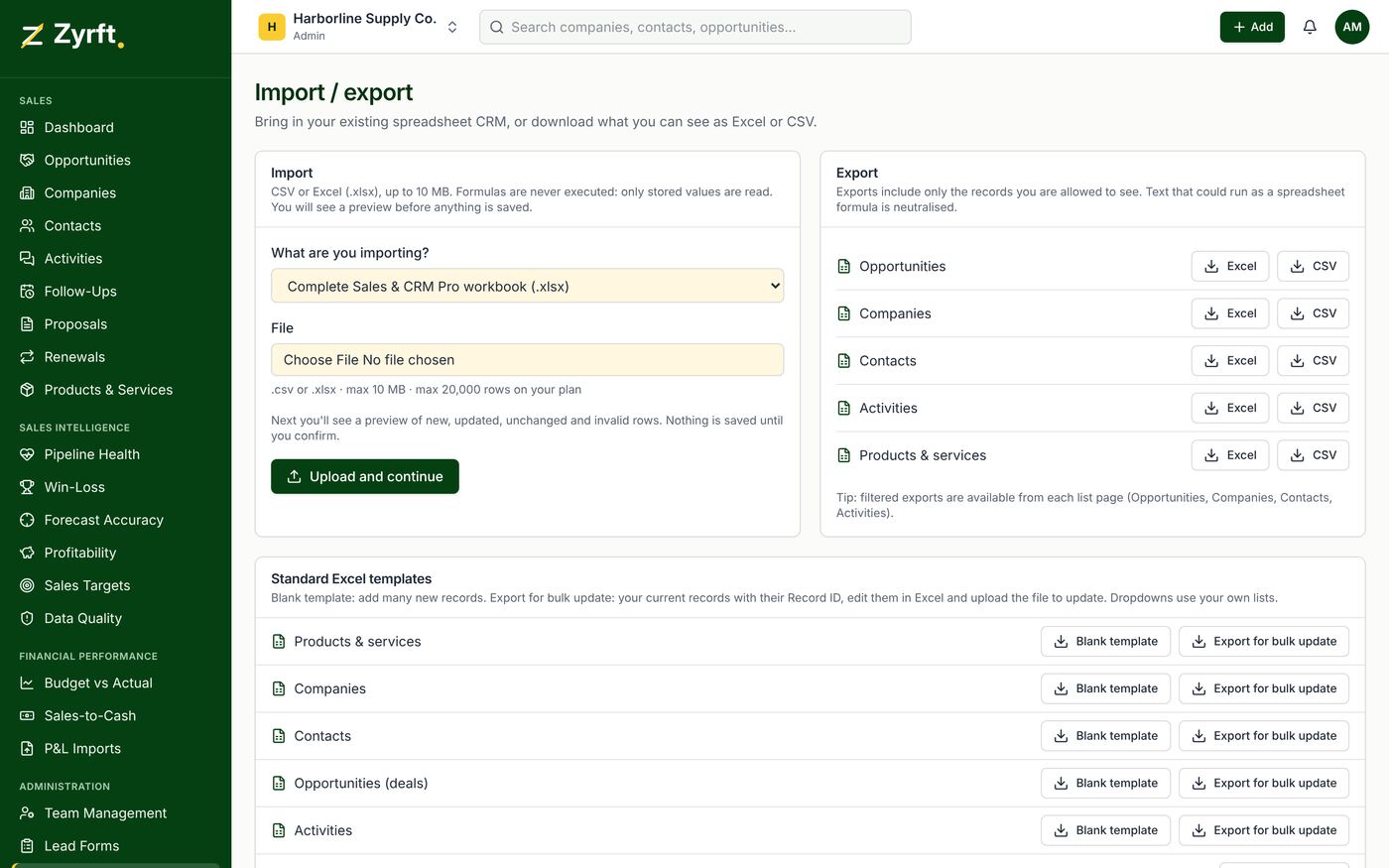
Want to practise first? Download the fictional demo dataset (Harborline Supply Co.) from the help center and import it into a test workspace, never into your real one.
- Go to Import / Export and download a blank template, or upload the Excel/CSV file you already use.
- Match your columns to Zyrft fields and review the preview: new, updated, unchanged, invalid and conflict rows are shown before anything is saved.
- Confirm the import. Imports never delete records and blank cells never erase data.
4. Invite your team
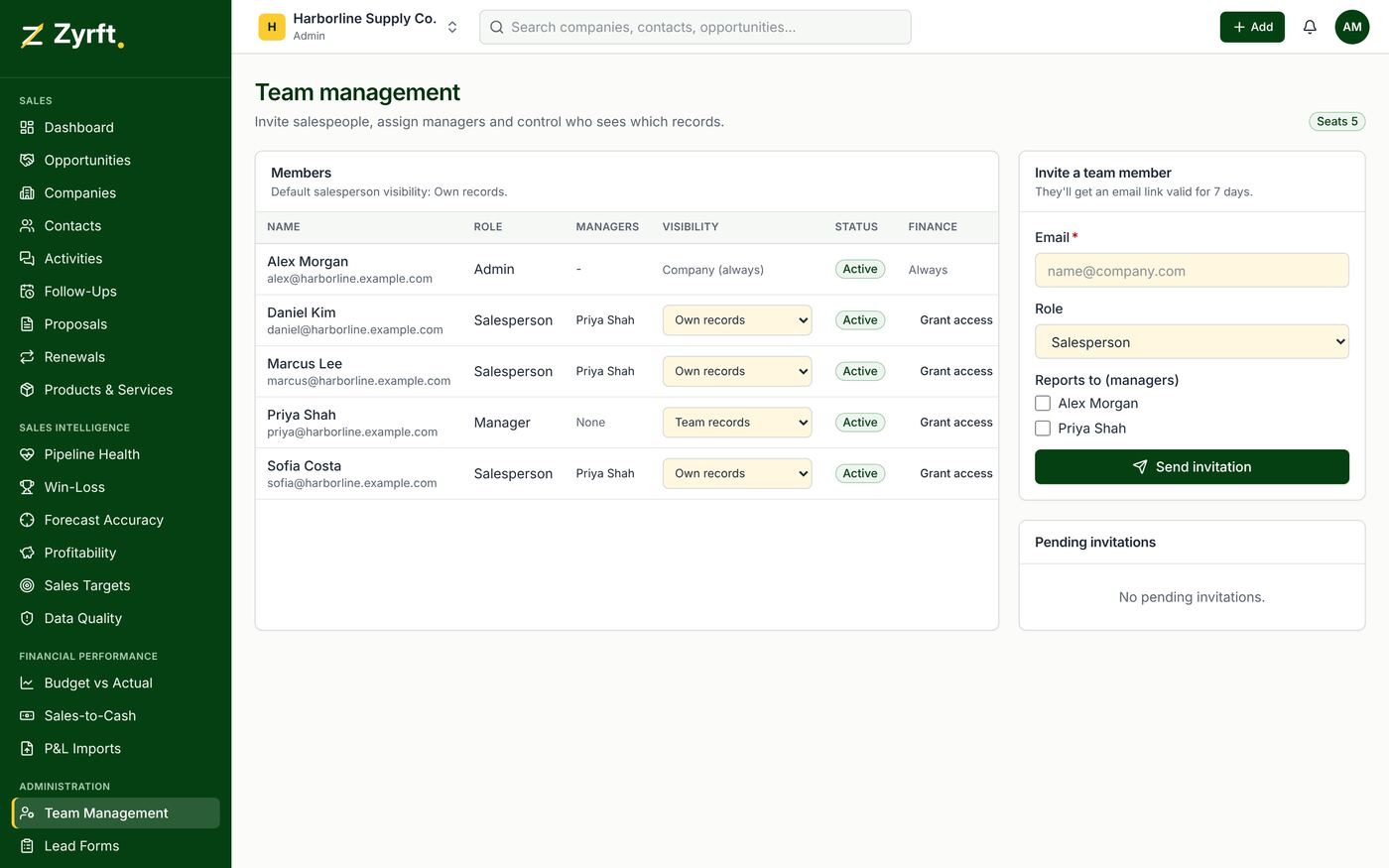
In Team Management, invite salespeople and sales managers by email. Admins see everything; managers see their team; salespeople see their own records unless you widen their visibility. On the Free plan the workspace is for one user; upgrade to Pro from Billing to add people (14-day free trial the first time).
5. Work the pipeline every day
- Add opportunities with a value, stage, expected close date and a next action with a date.
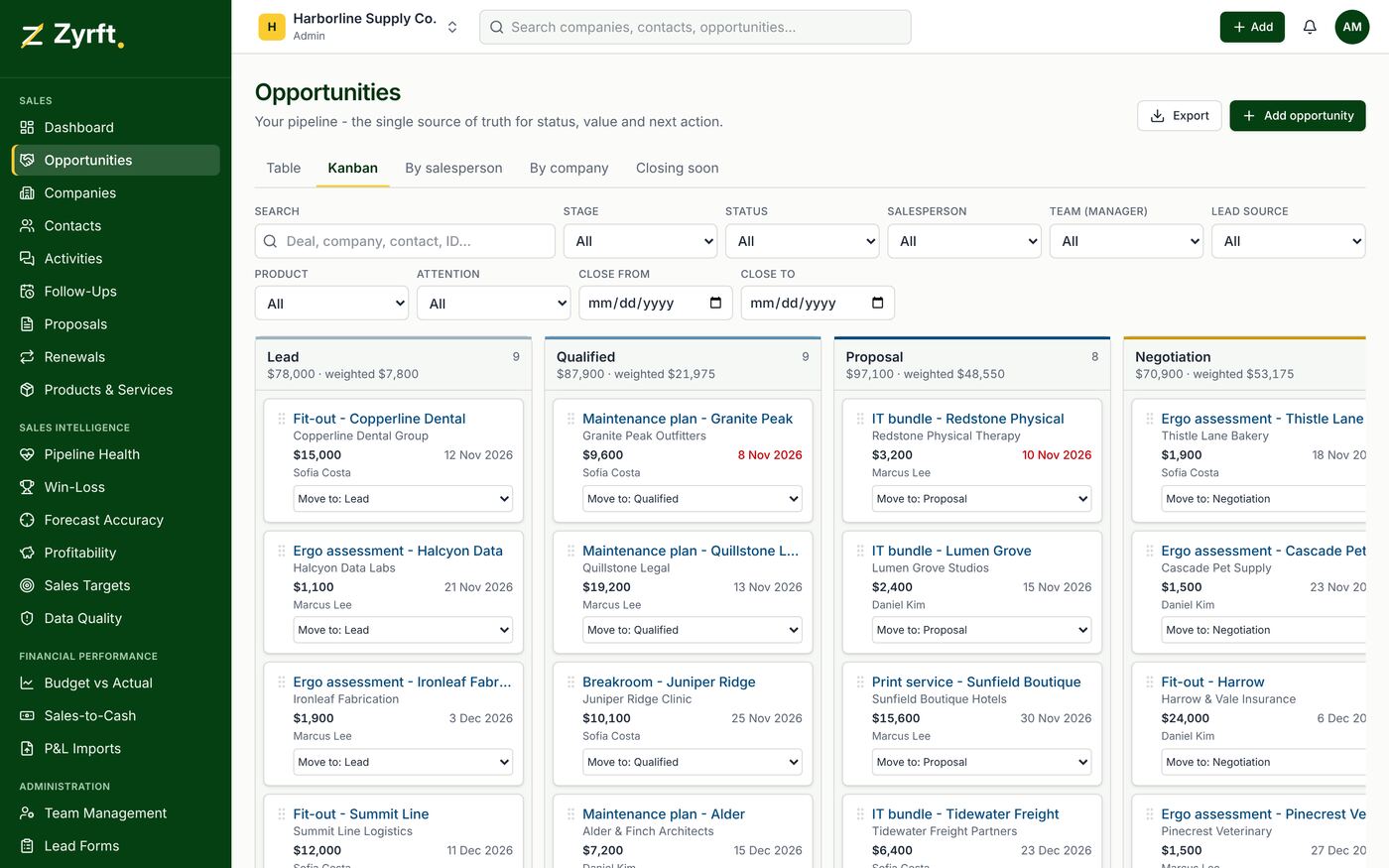
- Use Opportunities → Kanban to move deals between stages.
- Start each day on Follow-Ups: overdue, due soon, missing next step and stale deals.
- Log calls, emails and meetings on the opportunity so everyone can see what happened.
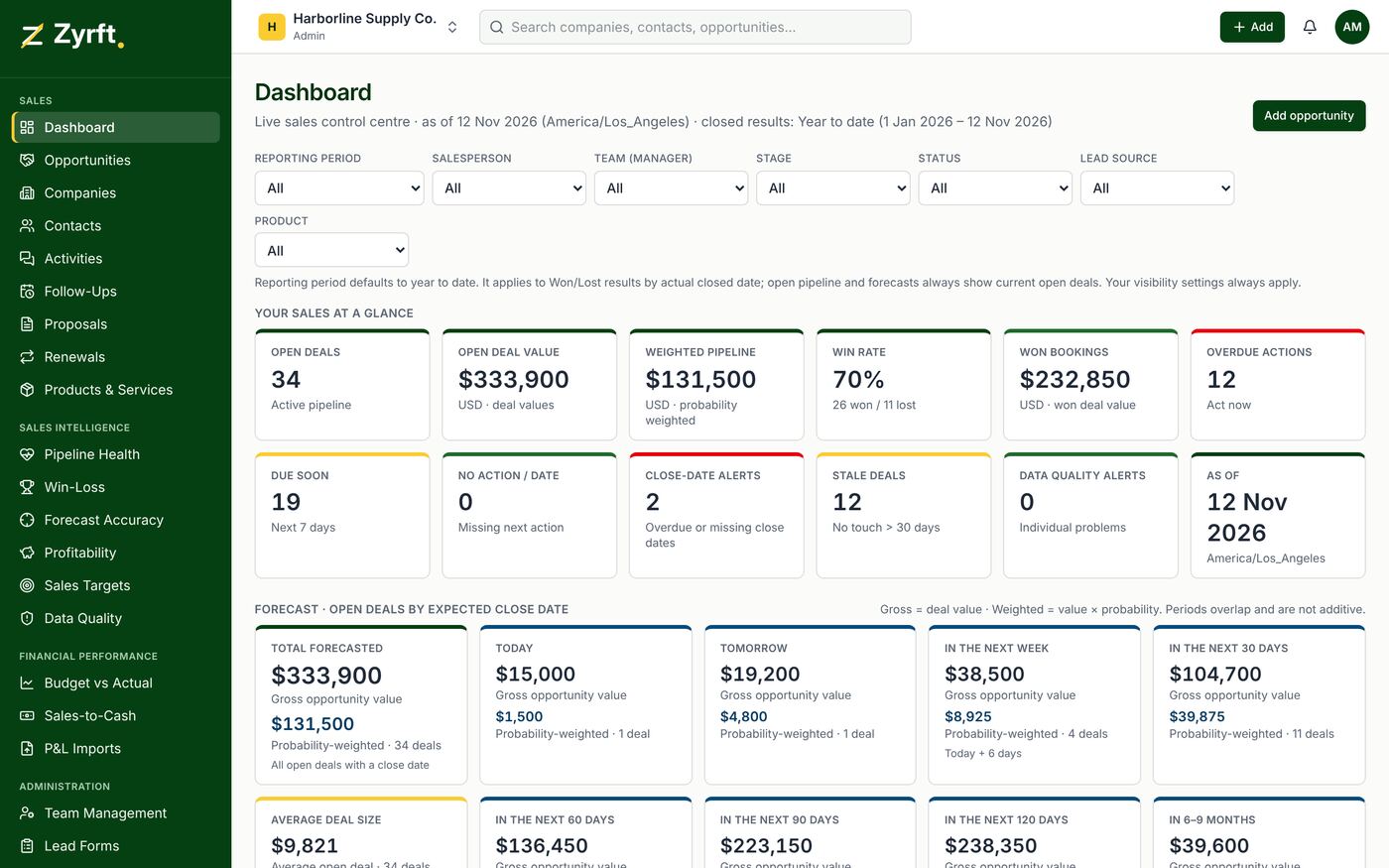
6. Read the dashboard and forecast
The Dashboard shows open deals, pipeline value, weighted pipeline, win rate, won bookings and alerts. On Pro, the forecast block shows gross and probability-weighted value for today, tomorrow, the next 7 to 120 days and 6 to 9 months.
Weighted value = deal value × win probability. Periods overlap, so don't add them up. Won deal value is a sales booking, not accounting revenue.